
Find the PerfectHairstyle forEveryone
Upload a photo and try hundreds of hairstyles with AI.
For women, men, and children — discover a new look
in seconds, effortlessly.
Try-On
Men & Children
HD Results
Endless Styles

JPG, PNG or WebP (Max 5MB)
Or drag & drop your photo here
Select a Hairstyle You Love
1 / 1Hair Color
Choose a hairstyle and generate your look.
Before & After (Preview)
You have reached your daily limit
What Is an AI Hairstyle Changer and How Does It Work?
An AI hairstyle generator is an online tool that uses artificial intelligence to create a new hairstyle on your own uploaded picture. It edits the hair based on the haircut look that you select without changing your face.
You can explore different lengths, textures and colors without changing your real hair. The result is a virtual preview of how a new hairstyle looks on you before your next haircut. It is a visual guide, not a guarantee of the exact result.
Have you ever saved a haircut picture from Pinterest but wondered whether it would suit you? A style that looks great on someone else may look different on your face. Your facial structure, hairline and natural volume all affect the final look.
At MyLucidBliss, you can try new hairstyles on your own photo instead of spending hours searching through hairstyle pictures on Pinterest or Instagram. Try a shorter length, longer layers, bangs or a fresh color. Compare the results and keep the looks you like.
Why choose mylucidbliss
Ai hairstyle changer?
Choosing a haircut should feel exciting, not stressful. MyLucidBliss gives you a way to explore different looks before making a real decision.
You can test a new length, compare different colors, and explore styles without relying only on pictures of other people. The goal is to make haircut planning easier and help you communicate your ideas clearly.
100+
Popular Hairstyles
HD
Quality
Ai
Powered Results
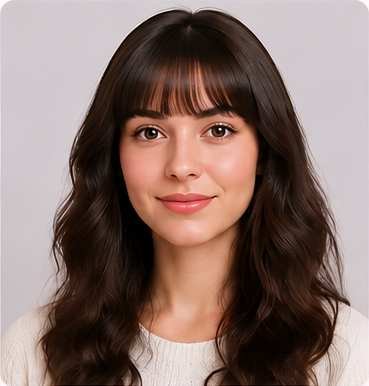
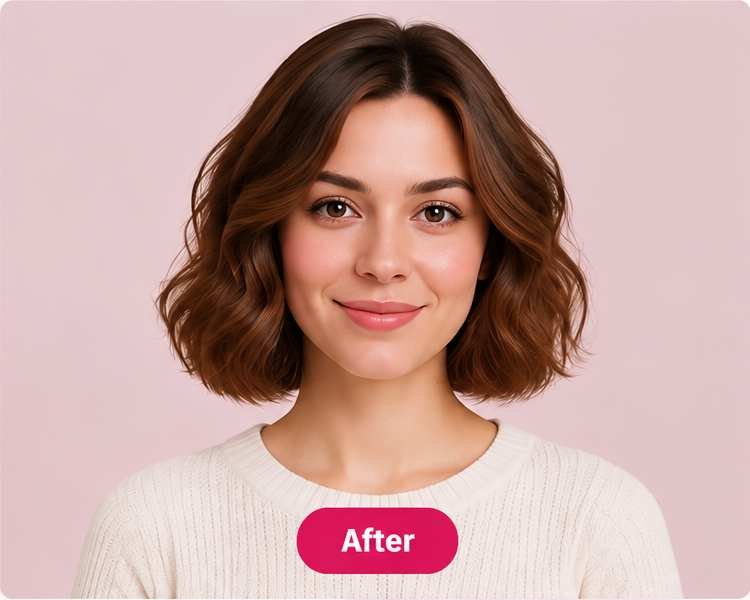
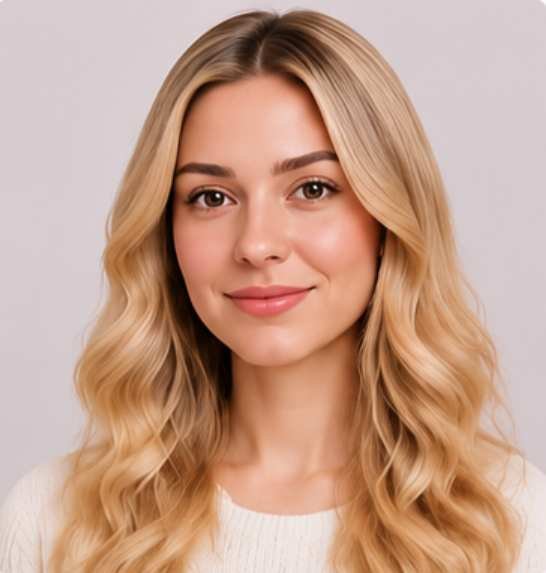
AI Hairstyle Before and After Transformations
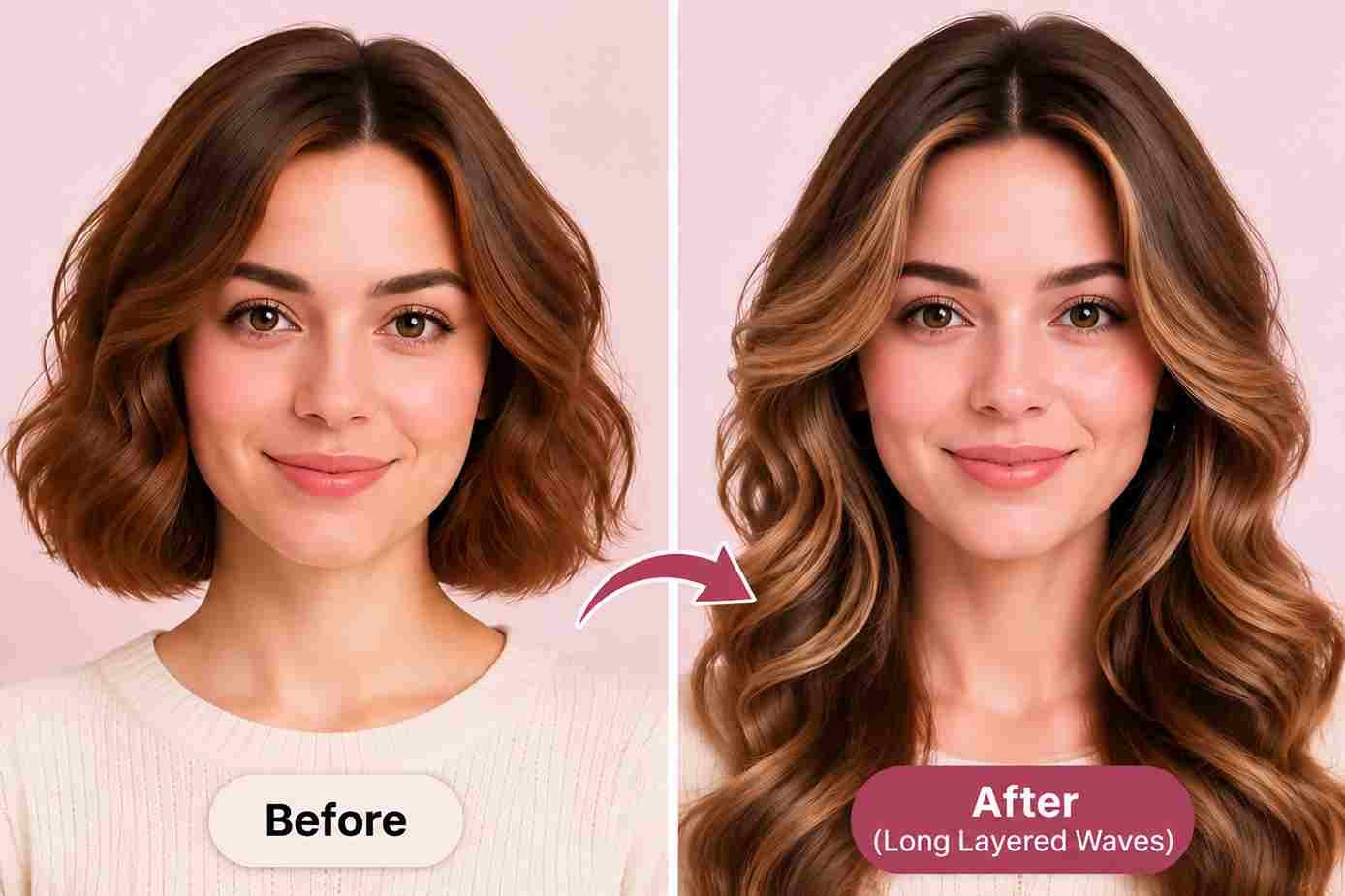
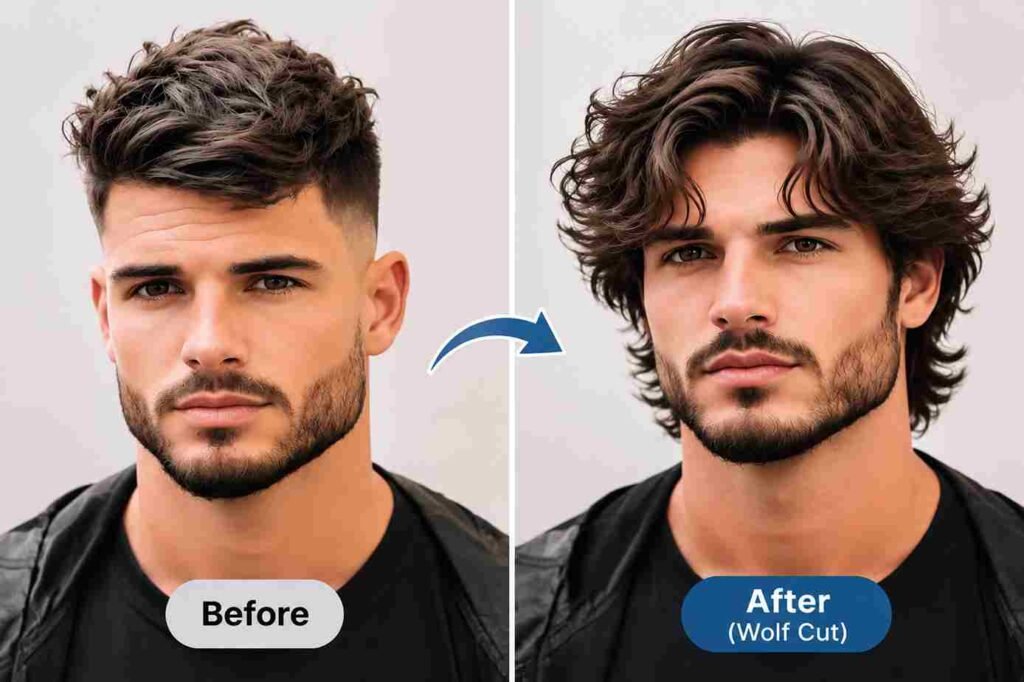
A side by side comparison helps you see how different styles change your appearance. Compare your original picture with a new result and explore different lengths, colors and cuts.
A haircut isn’t the only way to refresh your appearance. Sometimes a different shade is all you need. Try dark auburn, rose gold, raven black or vibrant pink. You can also compare highlights, balayage and dip dye styles.
Try short hair versus long hair, men’s haircut transformations or different color combinations. Our AI hair color changer lets you explore different shades using your picture.
Keep in mind that a digital preview cannot predict the exact result of real hair dye. Your current color and previous treatments affect the final shade. The FDA recommends following hair dye instructions and performing a patch test before each use.
AI Hairstyle Changer vs. Traditional Hairstyle Filters
Traditional hairstyle filters usually put a flat picture on your head that can look like a fake wig or a sticker. They don’t always match your photo in a natural way.
Select honey blonde balayage, dark brunette layers, copper bobs or a pink pixie cut. You can also try pastel shades, vibrant colors and darker roots to see how different combinations look on your picture.
An Ai photo editor creates a brand new image based on the style you pick. Our AI Hairstyle Changer helps you compare different cuts, lengths and colors using your own photo.
All the Features You Need
Our Ai hair-style changer makes it easier to find new looks whether you want a small trim or a completely different look, you can select your options and find inspiration for your next salon visit.
How to Try On Hairstyles in 3 Simple Steps

Step 1: Upload a Clear Photo of Yourself
Choose a clear photo of yourself facing the camera. Make sure your face and hair are easy to see. Use good lighting and avoid taking blurry picture. A regular smartphone picture works well. Avoid blurry photos, heavy filters, and hats that cover your hairline.
Step 2: Choose Your desired Hairstyle and Hair Color
Try on hairstyle you like from the available presets and colors. Choose short hair, long waves, bobs, bangs and men’s or kids hairstyles. You can also try different hair lengths, haircuts and colors. See new looks and find the one you like best.
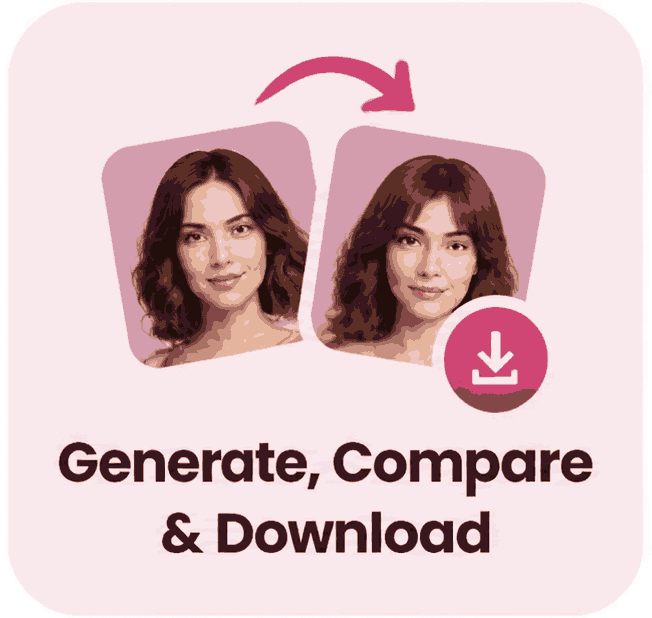
Step 3: Generate, Compare & Download
Generate your preview and compare it with your original picture. If you want another look, select a different style and create a new image. You can save & share your favorite pre salon hairstyle preview and also use it as a visual reference when speaking with your stylist or barber.
See the Difference
Find a Hairstyle According to Face Shape
Your face shape can help you narrow down your choices. Look at your forehead, cheekbones, jawline and overall face length when choosing different styles.
Your natural hair texture, thickness, and styling habits also matter. Choose a style you enjoy rather than following a beauty rule just because it matches your face shape.
| Face Shape | Hairstyles Try On |
|---|---|
| 1. Round | Long layers, side swept bangs, textured lob, asymmetrical bob |
| 2. Oval | French bob, pixie cut, curtain bangs, long layers |
| 3. Square | Soft waves, layered bob, side bangs, shoulder length cuts |
| 4. Heart | Chin length bob, side swept bangs, textured lob, soft layers |
| 5. Diamond | Side part, chin length bob, wispy bangs, shoulder length layers |
| 6. Oblong | Curtain bangs, shoulder length waves, layered bob, textured fringe |
Find your new look
See Popular Hairstyles for Men, Women or kids
Looking for a fresh hairstyle? Explore a wide range of styles for men, women or children. Try classic haircuts, modern fades, long layers, elegant buns and playful braids for daily looks, weddings, parties and special events.
Not sure where to start? Try some popular haircut ideas and find something that matches your personal style. Women can explore a bixie cut, wolf cut, shag haircut, layered bob, and curtain bangs. For prom, try Hollywood waves, half-up hairstyles, sleek ponytails, or voluminous curls.
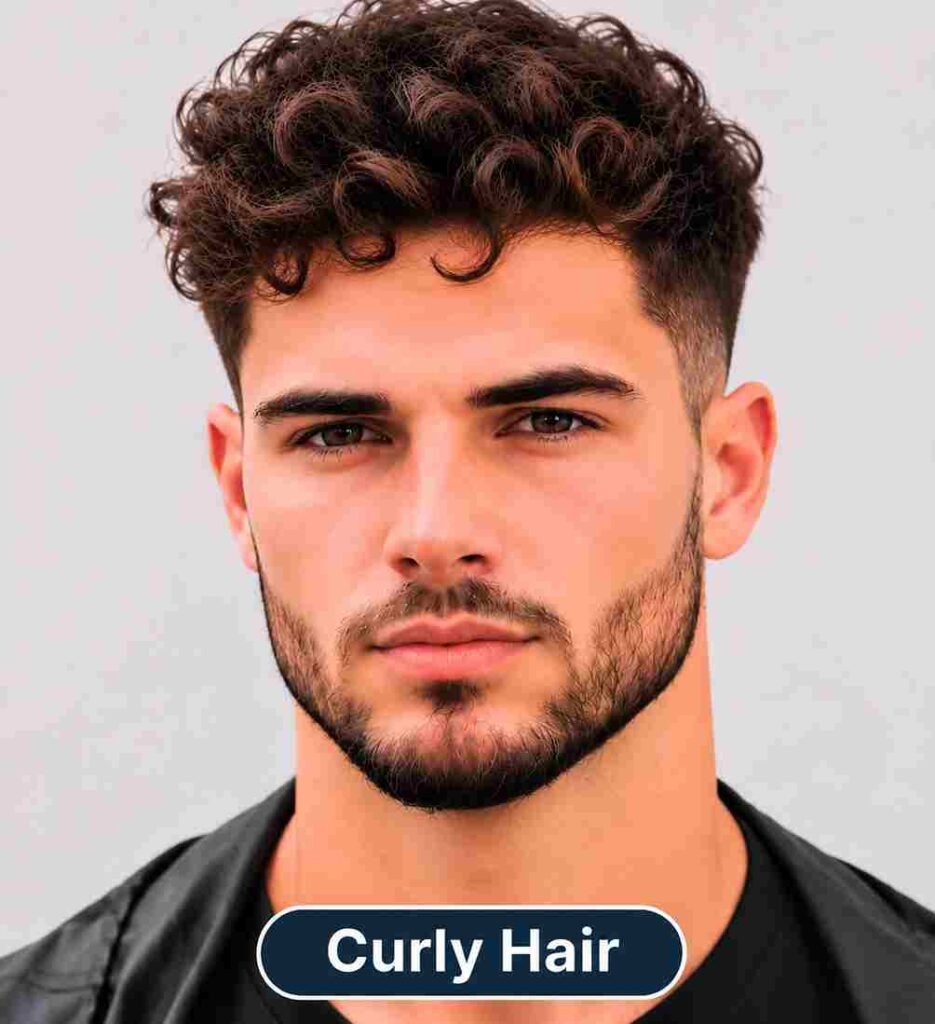
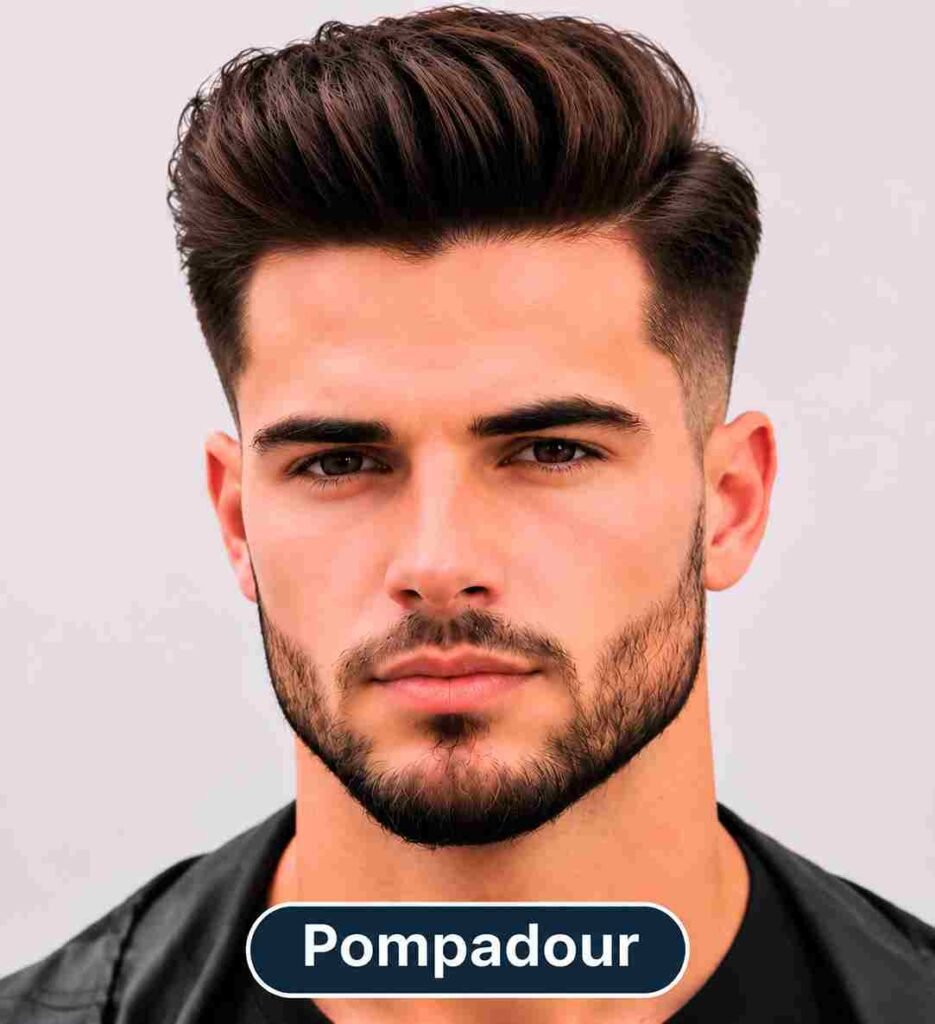
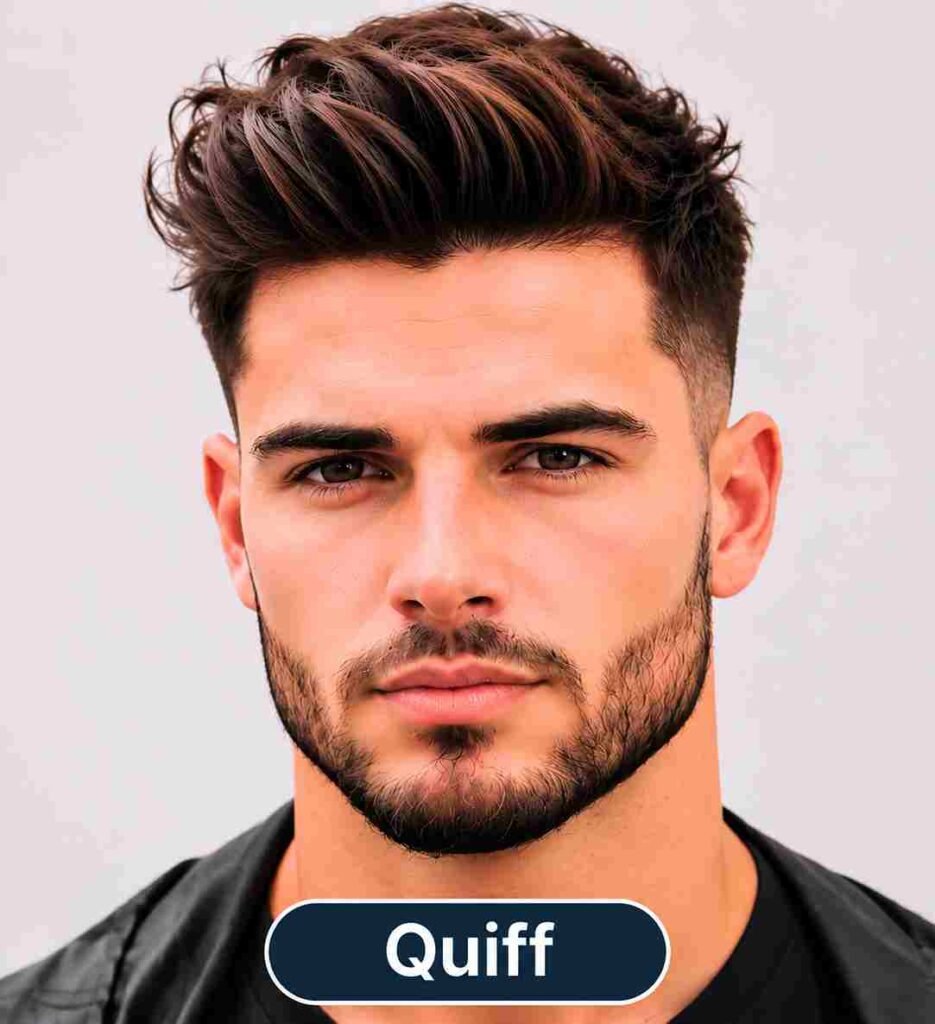
Men can compare a low fade, mid fade, undercut, quiff, comb over, or pompadour. You can also explore curly styles, braids, buns, and longer looks. Each option gives you another idea to consider before your next haircut.
How to Get the Best Results with Our AI Hairstyle Changer
Your photo gives the tool its starting point. A few simple steps can help you get a better result.
1. Upload a Clear, Well Lit Photo
Use natural daylight or bright indoor lighting. Even lighting helps show your clear hair color and facial details.
2. Choose a Front Facing Photo
Keep your forehead and jawline visible. Avoid hats, glasses or anything that hides important parts of your face and hair.
3. Avoid Heavy Filters
Use a natural picture without strong beauty filters or dark shadows.
4. test yourself with different hairstyles
Try two or three styles and compare the results. Save your favorites so you can discuss them with your stylist.
frequently asked questions (answered)
Find your answers and learn more about trying new hairstyles.